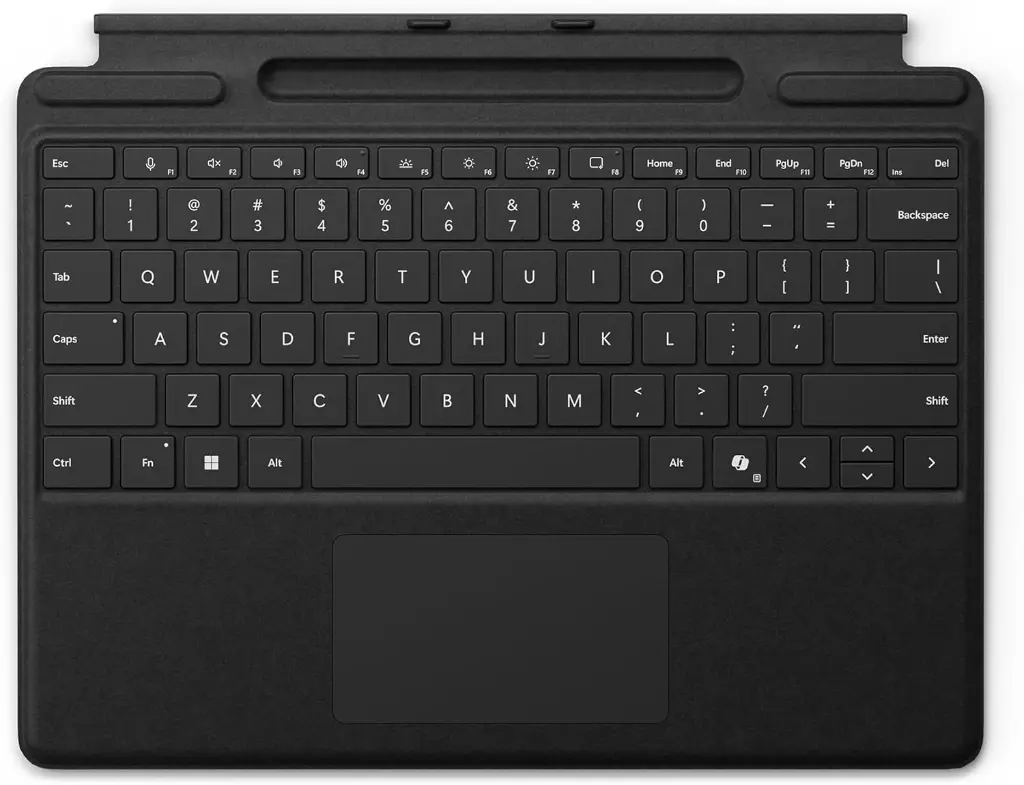
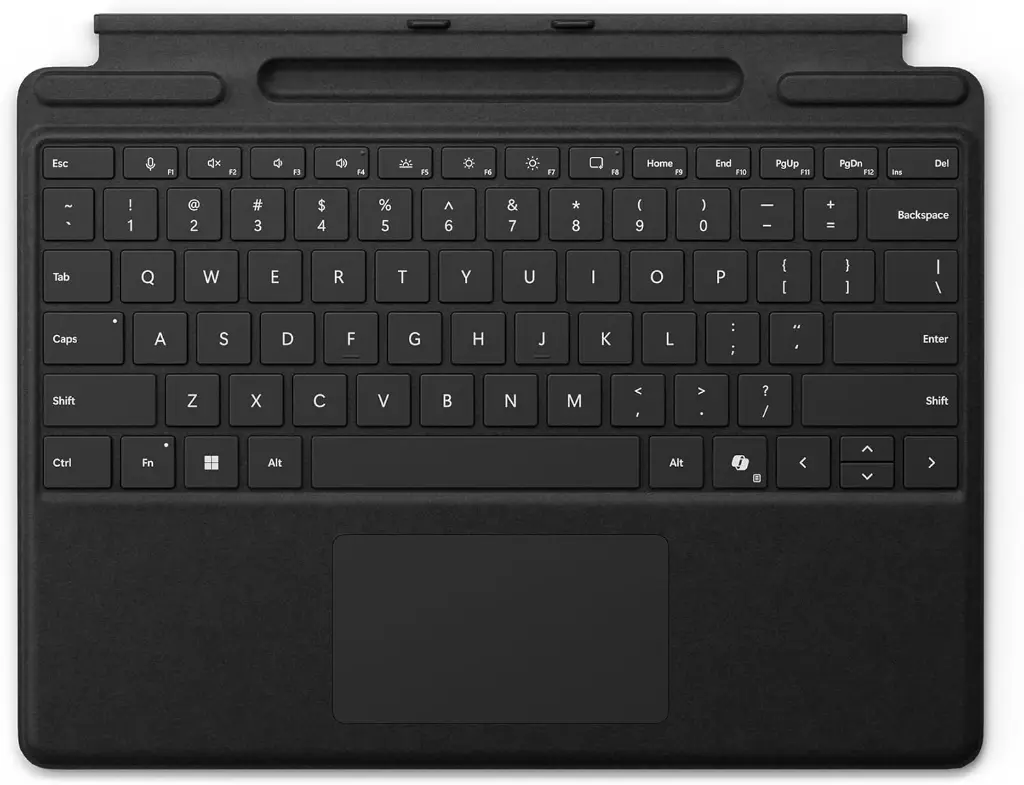
Microsoft Surface Pro keyboard Copilot With Slim Pen Slot BLACK 8XA-00181
Buying from Skyorbits
How long does delivery take in Oman?
Home delivery is 2.100 OMR including VAT (free from 50.000 OMR) across Oman in 1-2 working days. Collection from a courier office is 1.050 OMR (free from 50.000 OMR). Express within Bawshar and Seeb is 5.250 OMR for in-stock items. Showroom pickup in Al Khoudh is free.
Does Skyorbits handle warranty claims?
Yes - we submit every warranty claim for you. Electronic items carry a 1-year manufacturer warranty from the purchase date; keep the box and contents for the first 15 days.
Can I pay in installments?
Installments: Bank Muscat and Meethaq credit-card plans for everyone, or our in-house plan for Omani nationals 18+ (from 200.000 OMR, approval needed).
What is the return and exchange policy?
Returns cover manufacturing defects only, within 15 days, with the box, all contents and the invoice - not change of mind. After 15 days we send the item to the authorized service center. Exchanges are handled case by case.
How do I request a repair?
Start a repair or warranty request online, then bring the device, invoice and box (within 15 days) to our Al Khoudh showroom in Muscat. We track every case in our system.
Turn your Surface Pro into a laptop, with a slim pen slot always at hand.
The Microsoft Surface Pro Signature Type Cover attaches magnetically to Surface Pro — bring the bottom edge close to the top edge until the magnets click into place, and pull apart to detach. It includes a touchpad for gesture-based navigation instead of a mouse, plus a built-in slim slot to keep your Surface Pen close and charged. Clean the fabric with a slightly damp, lint-free cloth and treat spills within 30 minutes to prevent staining.
Who it's for: Surface Pro owners who want a full keyboard and trackpad with integrated pen storage.
Why buy from Skyorbits: genuine Microsoft, available to order, VAT-inclusive OMR pricing, and fast delivery across Oman.
Key specs (verified): magnetic attachment to Surface Pro · built-in touchpad · slim pen slot for Surface Pen · colour black.
حوّل Surface Pro حقك للابتوب كامل، مع مكان مخصص وقريب لقلمك دايمًا.
لوحة مفاتيح Microsoft Surface Pro Signature Type Cover تتثبت مغناطيسيًا بجهاز Surface Pro — قرّب الحافة السفلية من الحافة العلوية للوحة لين يشتبك المغناطيس، واسحبهم عن بعض عشان تفكها. فيها لوحة لمس (touchpad) تتنقل فيها بالإيماءات بدل الماوس، مع فتحة رفيعة مدمجة تحفظ قلم Surface Pen قريب وجاهز. نظّف القماش بقطعة قماش رطبة خفيفة وخالية من الوبر، وعالج أي انسكاب خلال 30 دقيقة عشان ما يترك بقعة.
مناسب لـ: أصحاب Surface Pro اللي يريدون لوحة مفاتيح ولوحة لمس كاملة مع مكان مدمج للقلم.
ليش تشتري من أفلاك السماء: منتج Microsoft أصلي، متوفر للطلب، الأسعار شاملة الضريبة بالريال العُماني، وتوصيل سريع لكل عُمان.
المواصفات (موثقة): تثبيت مغناطيسي بـ Surface Pro · لوحة لمس مدمجة · فتحة رفيعة لقلم Surface Pen · اللون أسود.
Microsoft Surface Pro keyboard Copilot With Slim Pen Slot BLACK 8XA-00181 is available at Skyorbits Oman for professional photo and video workflows. Bring the bottom edge of Surface Pro close to the top edge of Surface Pro Signature Type Cover until the magnets click into place. Nationwide delivery from our Muscat showroom.
Bring the bottom edge of Surface Pro close to the top edge of Surface Pro Signature Type Cover until the magnets click into place. To detach Surface Pro Signature Type Cover, pull Surface Pro and Surface Pro Signature Type Cover apart.
Surface Pro Signature Type Cover comes with a touchpad, where you can use gestures to get around your PC instead of a mouse.
To keep the material looking like new, gently wipe with a slightly damp, lint free white cloth (to avoid color transfer) or screen cleaning. If you spill something on the material, try to clean the stain off within 30 minutes to help prevent it from setting. Vendor / store SKU 196388355945.
Skyorbits is Oman's trusted destination for Microsoft — genuine gear, expert advice, and fast delivery from Muscat.
Skyorbits, based in Muscat, Oman, is a trusted source for camera, video, and studio lighting gear, with fast delivery nationwide.أفلاك السماء، ومقرها مسقط، عُمان، مصدر موثوق لمعدات الكاميرا والفيديو والإضاءة الاستوديوهية، بتوصيل سريع لكل السلطنة.
Specifications
| Device Type | Accessory |